
A simple virtual process,
built around your actual space
NookMuse keeps the process clear and easy: you send the space, share the goal, and receive custom visuals designed to help you decide, present, or move forward more confidently.
1 — Send your room, listing, or project shell
Share clear photos and a little context. Tell us what the space is, what stage it is in, and what you want the visual to help with.
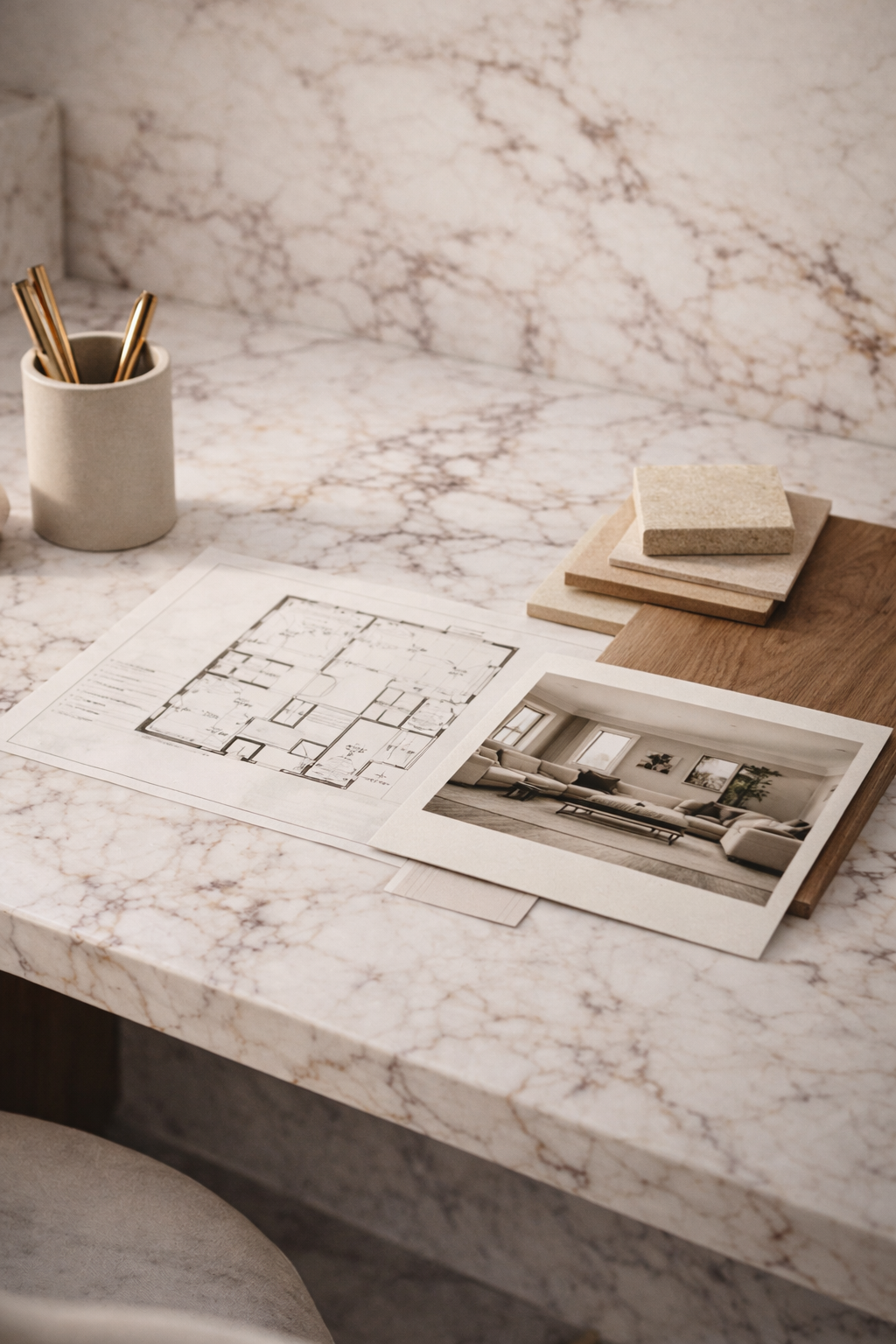
2 — Choose the right direction
Most projects fit one of two core packages: Concept Visual Package or Virtual Design Package. If you have multiple rooms, a listing, a deck, or a larger scope, we can recommend the best-fit option.
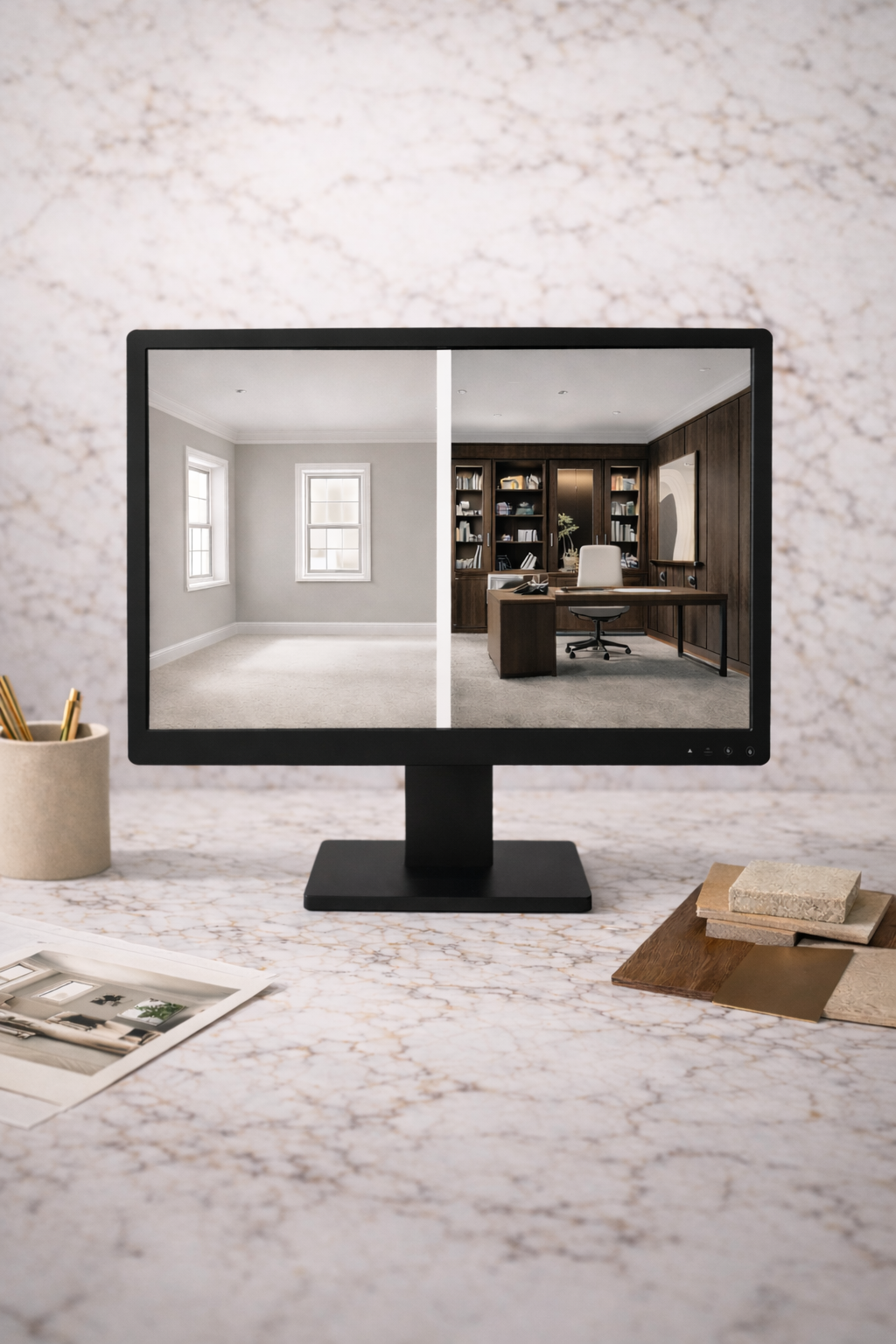
3 — Receive custom visuals
You’ll receive premium concepts tailored to the room and the objective. Depending on package, this can include multiple concepts, one refined direction, sourcing links, material guidance, and layout direction.
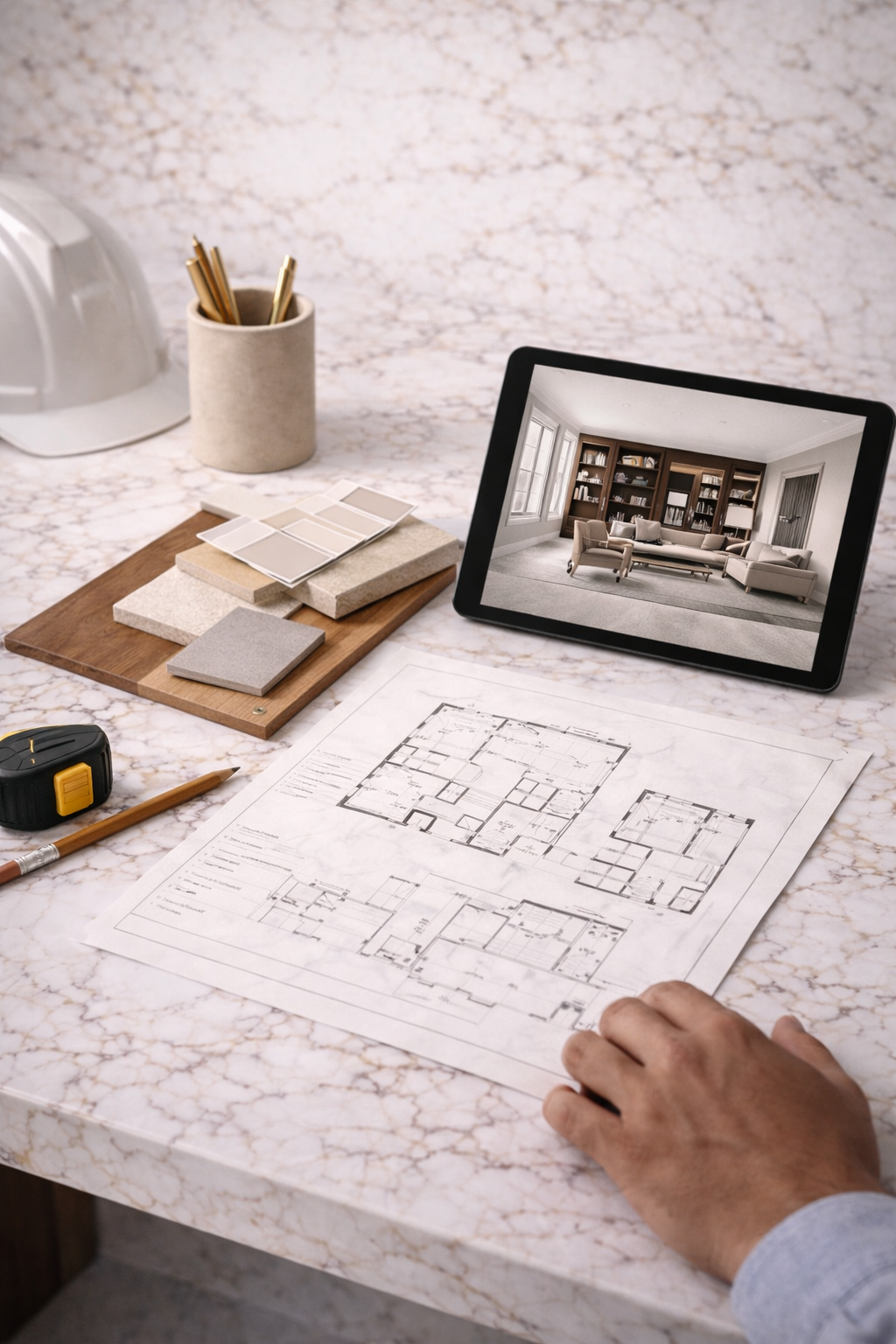
Best For…
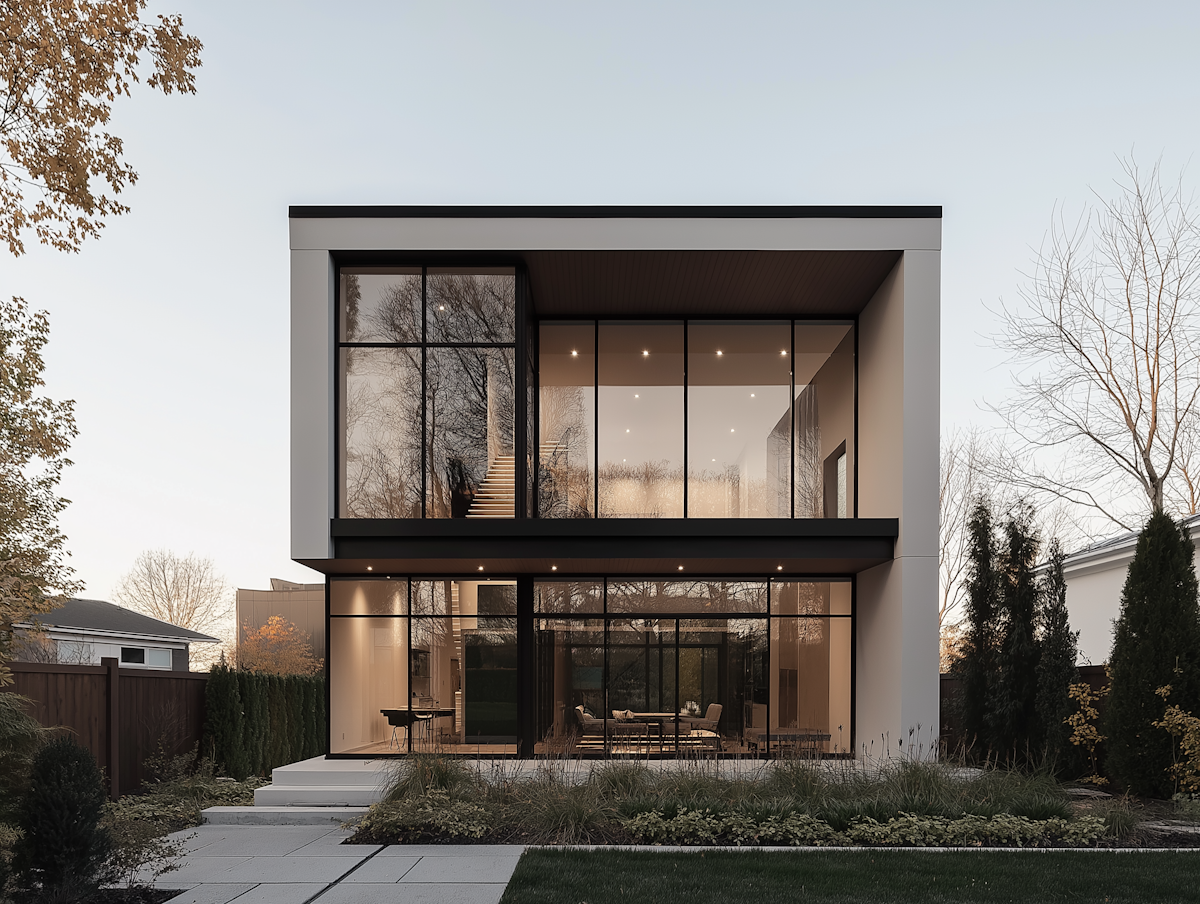
Homeowners
Homeowners who want clearer room potential before making purchases or implementation decisions.

Real Estate
Real estate professionals who need listing support, buyer vision, seller prep, or investor presentation material.

Contractors
Contractors who want stronger renovation direction, client-facing visuals, or deck/exterior concept support.
Important note
All visuals are conceptual and design-direction only. Final measurements, feasibility, product fit, code compliance, and construction or implementation details should be verified before execution.